Free Resource
What a calculator page needs so ChatGPT recommends you. If your calculator asks for an email before it shows a number, and explains nothing around it, an AI answer has nothing in it to quote. Here's what to put on it instead: ten sections, in order, with what goes in each and why.
A useful calculator answers a question buyers ask before they buy: what size, how much, what am I forgetting. It's easier to cite when the answer, and the working behind it, sits on the page as text anyone can read.
The reel covered five ideas from this blueprint. Here they are with the drawings, in the order they sit on the page.
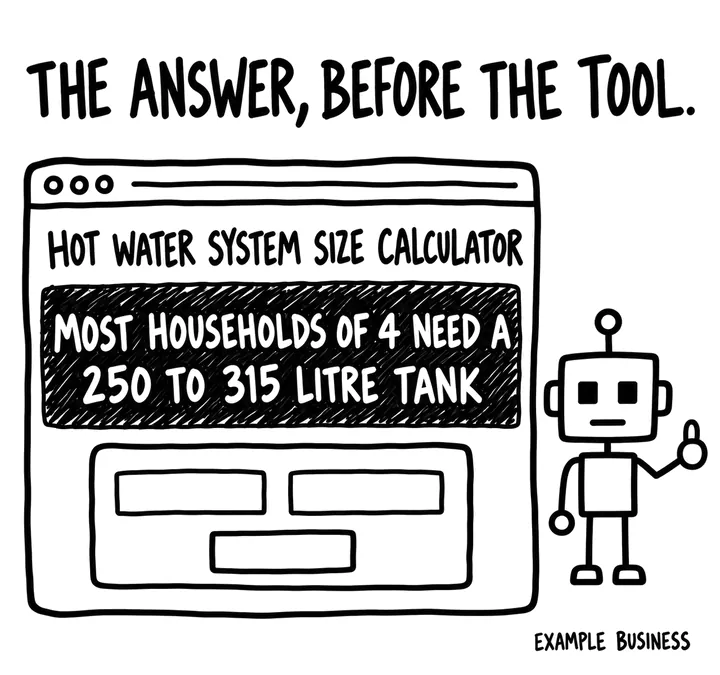
Before anyone touches the calculator, say in plain text what it works out, who it's for, where it applies, and the typical answer for the most common case. That sentence is something an AI can quote without running the tool.
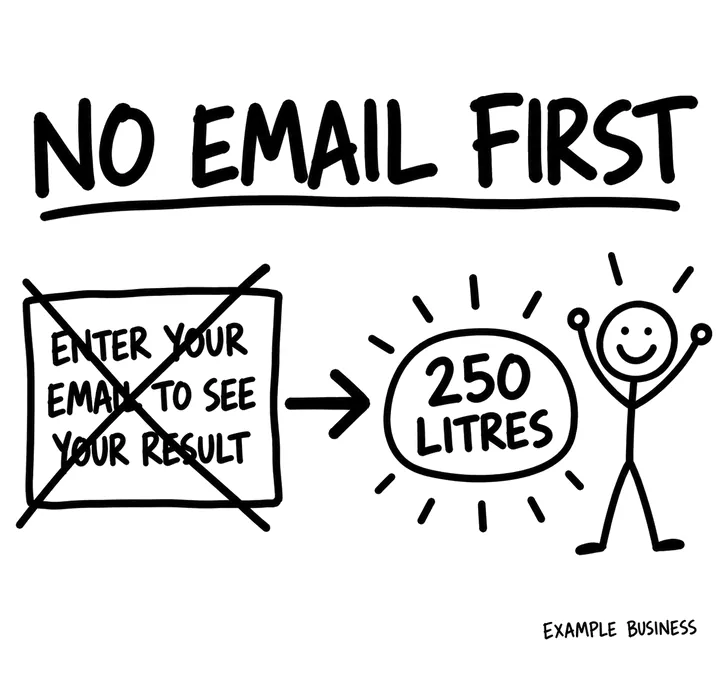
Show the result straight away, with no email or phone number asked for first. An email gate in front of the answer puts off the people who came for it.
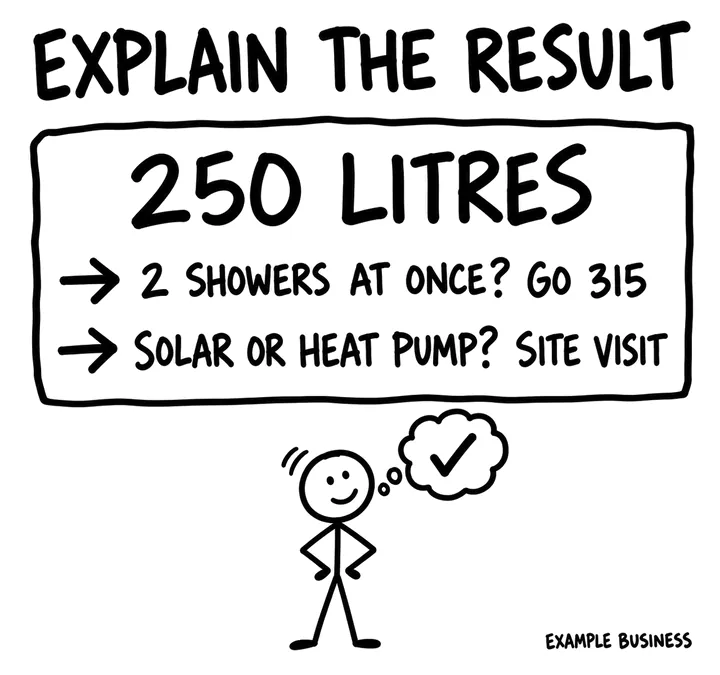
The result in words as well as a number: what it means, the likely range, what would move it up or down, and which service or product fits it.
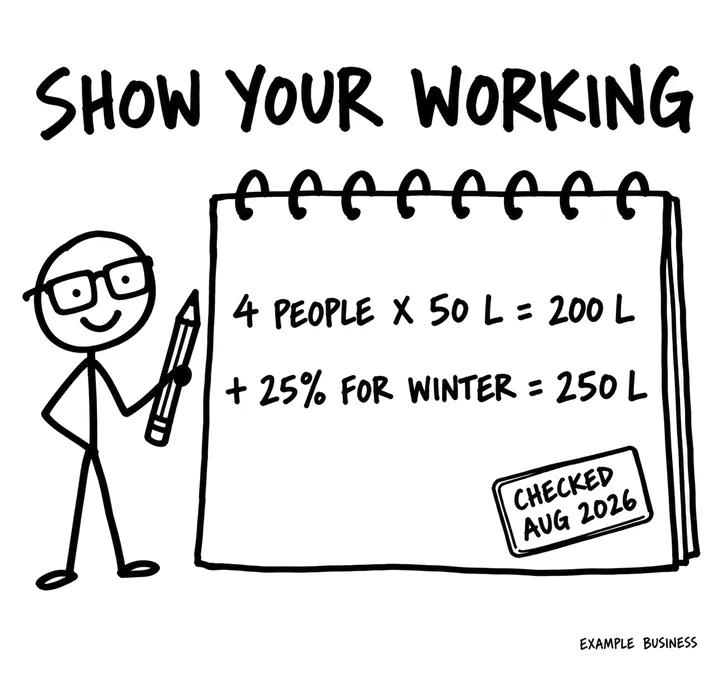
The formula, every assumption and rate, where each figure comes from, and the date it was last checked, written in the page itself. In the example, the extra 25% covers winter and guests.
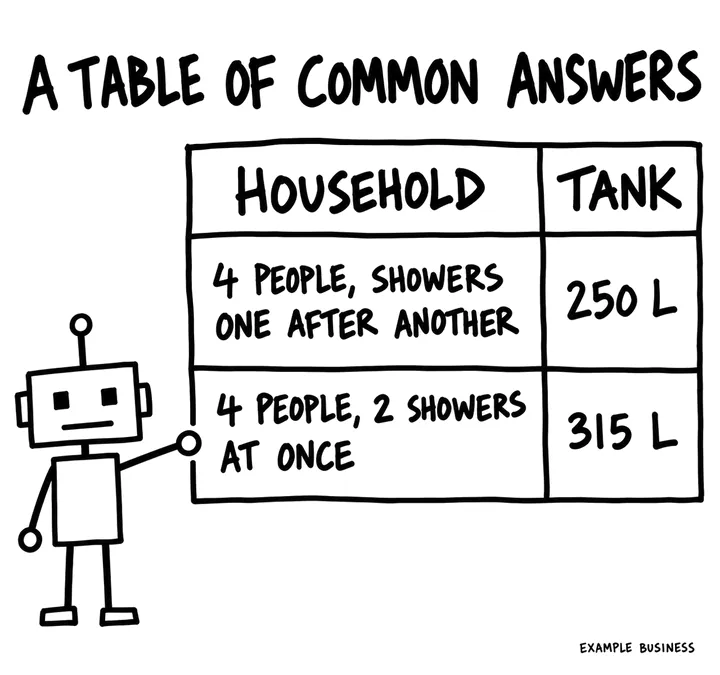
A table of results for the most common situations, written into the page, so the answer can be read without running the tool.
The drawings use invented example businesses. The figures show the level of detail a page needs, not advice.
Ten sections, in the order they sit on the page. The letter in brackets is the part of SOURC-E each one serves: Structure, Offsite, Uniqueness, Relevance, Credibility or Evaluation.
An H1 that names what the tool works out. Under it, in plain text, what it calculates, who it is for, where it applies, and the typical answer for the most common case, before anyone touches the tool.
Many AI crawlers do not run scripts, so put the answer in the text. It also tells a person in seconds whether the tool is for them.
The inputs, with plain labels, units and sensible defaults, in as few fields as the answer needs. The result appears straight away, with no email or phone number asked for first.
A useful tool nobody else offers is a reason to visit and to link. Gating the result turns it into a lead form, and people leave.
The result in words as well as a number: what it means, the likely range, what would move it up or down, and which service or product fits it.
A bare number is easy to misread. The explanation is what makes the result useful and connects it to what you sell.
Each input explained in a sentence, with where to find the figure if the buyer does not know it.
Wrong inputs give wrong answers. The explanations also cover the questions buyers ask before they can use the tool.
The formula or logic, every assumption and rate used, where each figure comes from, and the date it was last checked, written in the HTML.
Shown assumptions let a buyer judge the answer and let an AI explain it. A hidden method is a black box nobody should quote.
One full example written out step by step: the inputs, each step of the calculation, and the answer.
A worked example lets anyone check the logic, and gives AI systems a complete answer they can read without running anything.
A table of results for the most common situations, such as household sizes or price points, as an HTML table.
These are the answers people ask AI for directly. A table of them is easy to quote accurately, with your name attached.
What the tool does not cover, when the estimate stops being reliable, and when a buyer needs a quote or a professional instead.
Honest limits stop bad decisions made on a rough number, and show you know where the edges are.
Who built and checked the tool, with their qualification and a link to their profile, the last-checked date, and a short note of what changed.
A number from a named, qualified person is more believable than one from an anonymous widget.
The service or product the result points to, related guides, and one clear next step with the phone number as text.
Connects the result to the job, and shows crawlers how the tool relates to the rest of the site.
Riverina Plumbing, Wagga Wagga (an invented business, to show the level of detail). These lines are from a few of the sections: copy the specificity, not the words. The sizing figures are invented to show the level of detail, not hot water advice.
No markup is needed for the tool to be understood. BreadcrumbList that matches the visible breadcrumbs is enough; the explanation, method and worked example in the HTML are what AI systems actually read.
Once a month, ask these in ChatGPT, Perplexity and Google AI Mode with your details filled in, in a fresh chat each time, and note whether you're named, linked and described correctly.
Ask the questions above in ChatGPT, Perplexity and Google AI Mode once a month and check whether your figures or your page are cited.
In GA4, record a completed calculation as an event and the enquiry that follows as a key event, so you can see how many people who use the tool go on to contact you.
Track the links and mentions the tool earns; a genuinely useful tool often gets linked from forums, councils and guides.
The free AI Visibility Check skill gives you real customer questions to run in ChatGPT and other AI tools, then scores the answers you paste back.
Write the typical answer in plain text above your calculator, and take away any email gate in front of the result.
