Free Resource
What a location page needs so ChatGPT recommends you. If your location pages are one template with the suburb name swapped, an AI answering who can do this near me has no reason to trust any of them. Here's what to put on it instead: eleven sections, in order, with what goes in each and why.
Plenty of local questions are about where: who's near me, who covers my suburb, who's open on a public holiday. A location page earns trust when it shows you really work there: a real branch or service area, hours that match Google, and jobs you've done nearby. If you serve an area rather than run a branch people can visit, skip the address, parking and access parts, and say where you're based and how far you travel.
The reel covered five ideas from this blueprint. Here they are with the drawings, in the order they sit on the page.
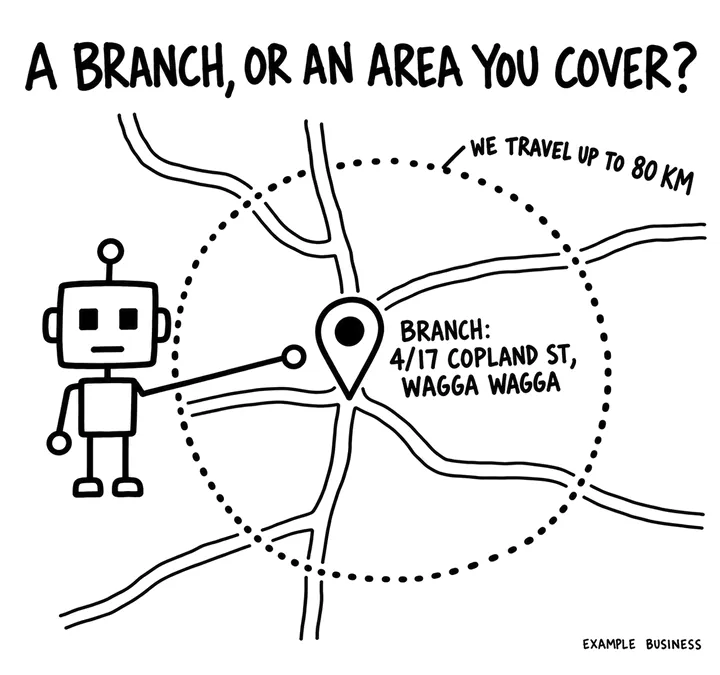
Say plainly which this is: a branch customers can visit, or an area you serve from somewhere else, naming that base and how far you travel. An AI answering who can do this near me needs to know which one you are. The address, directions and parking parts are for branches.
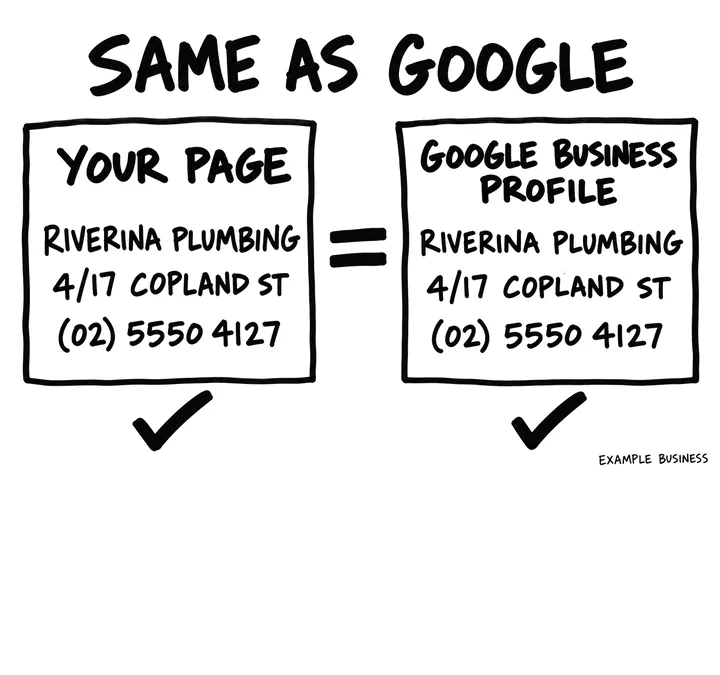
Your business name, address and phone written as text, matching your Google Business Profile: the same name, the same address, the same number. St or Street doesn't matter; an old address or a different number does. When the two disagree, AI has to guess which one is right.
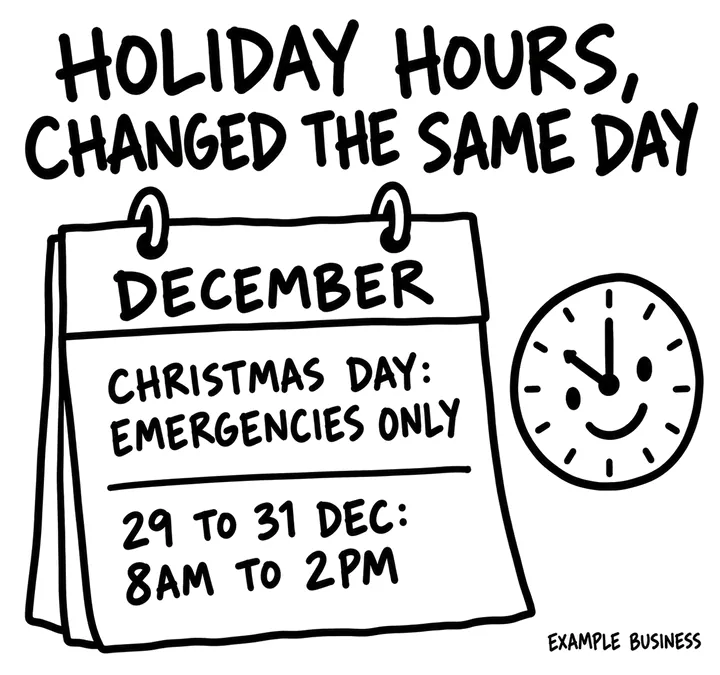
Regular hours as a table, holiday hours for the next public holidays, and any after-hours or emergency arrangements with any extra fee. The same as your Google Business Profile, changed on the same day.
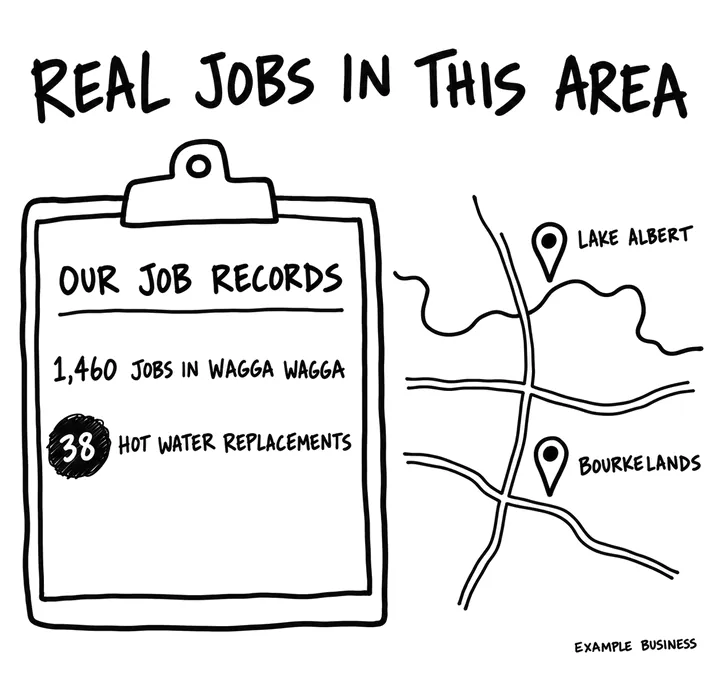
Two or three recent jobs in this area with the suburb, what you did and when, linked to case studies where you have them, plus how many jobs the branch did locally in the last year. Swapping the suburb name in a template shows nothing. Your job records do.
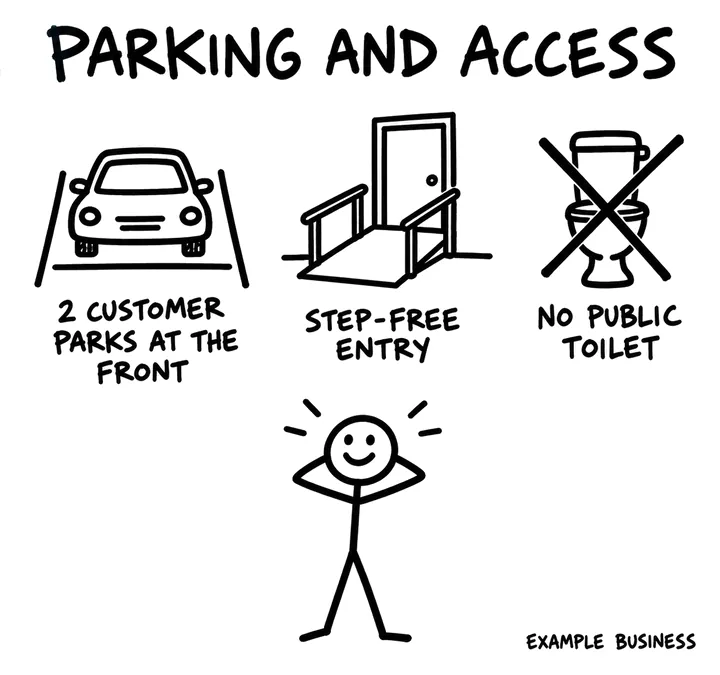
Where to park, step-free entry, accessible toilets, and anything that isn't accessible. Only facts a visitor can rely on, so nobody has to ring and ask.
The drawings use invented example businesses. The figures show the level of detail a page needs, not advice.
Eleven sections, in the order they sit on the page. The letter in brackets is the part of SOURC-E each one serves: Structure, Offsite, Uniqueness, Relevance, Credibility or Evaluation.
Breadcrumb, an H1 with the business type and the place, and two or three sentences: what this branch does, the address and phone as text, today's hours, and how far it travels. Name, address and phone exactly as on the Google Business Profile, with the phone as a tap-to-call link.
Near-me answers are built from name, address, phone and hours. Put them first, in text, before any image or widget.
Say plainly which this is: a branch with an address customers can visit, or an area you serve from somewhere else, naming that base. For a branch, list the suburbs and towns it covers and how far it travels.
Google's Business Profile rules do not allow an address you do not really operate from, and a model that spots a pretend branch has reason to doubt the rest of the page.
Regular hours as a table, holiday hours for the next public holidays, and after-hours or emergency arrangements with any extra fee. The same hours as the Google Business Profile, changed on the same day.
Hours are among the facts buyers check most. When the page and the profile disagree, both look unreliable.
The services offered at or from this branch, each linked to its service page, and anything this branch does not do, with where to go instead.
Buyers ask whether a service is available at a particular place, and not every branch does everything. The list answers that exactly.
The people who work from this branch, each with a photo, role, licence and a link to their profile.
Named local people show the branch is real and staffed, and link the place to credentialed expertise.
Two or three recent jobs in this area with the suburb, what you did, when, and a detail from your records, linked to case studies where you have them. Add how many jobs the branch did locally in the last year.
Jobs done here are evidence only you have that you really work in this place. They are what separate a genuine location page from a cloned one.
Reviews of this branch as text, with the reviewer's first name, suburb, date and a link to this branch's Google Business Profile. Show the branch's rating and count, with the date you last updated them.
Local reviews are the Offsite signal for this place. Reviews written into the page can be read by crawlers; a reviews widget that loads later may not be.
The address as text, directions from main roads or landmarks and by public transport, and links that open the location in Google Maps and Apple Maps. An embedded map is an extra, not the only way to find you. Add a real photo of the entrance or shopfront, so visitors know they have arrived.
An address in text is easy for crawlers to read and for buyers to copy; the contents of an embedded map usually aren't.
Where to park and whether it costs, step-free entry, accessible toilet, lifts, hearing loop, and anything that is not accessible. Only facts a visitor can rely on.
These are real questions buyers ask before they visit, and the answers rarely appear anywhere else.
The questions this branch actually gets by phone and email, each answered in two to four sentences, visible on the page.
Real questions in local words match how people ask AI assistants about a place. Invented keyword questions do not.
The branch phone number as text, one button to book or call, and links to the location hub and any nearby branches.
Keeps a buyer moving and tells crawlers how this branch fits into the rest of the site.
Riverina Plumbing, Wagga Wagga (an invented business, to show the level of detail). These lines are from a few of the sections: copy the specificity, not the words.
LocalBusiness, or a more specific type such as Plumber, is worth doing on each branch page: name, address, phone, geo coordinates, opening hours and special hours, and the Google Business Profile link in sameAs, every value matching the profile. Give each branch its own @id and link it to your Organization. An area you serve without an office gets no invented address; list it in areaServed instead.
Once a month, ask these in ChatGPT, Perplexity and Google AI Mode with your details filled in, in a fresh chat each time, and note whether you're named, linked and described correctly.
Ask ChatGPT, Perplexity and Google AI Mode '[service] in [place]' and 'Is [business] in [place] open on [public holiday]?' each month, and note whether the branch is named with the right address and hours.
Watch calls, direction requests and website clicks in the Google Business Profile performance report, next to GA4 key events for this page.
In GA4, track AI Assistant sessions that land on this page.
The free AI Visibility Check skill gives you real customer questions to run in ChatGPT and other AI tools, then scores the answers you paste back.
Check your location page's business name, address, phone and hours against your Google Business Profile, and fix every difference in the facts.
